Invite family members

Player / Parent

Invite family members
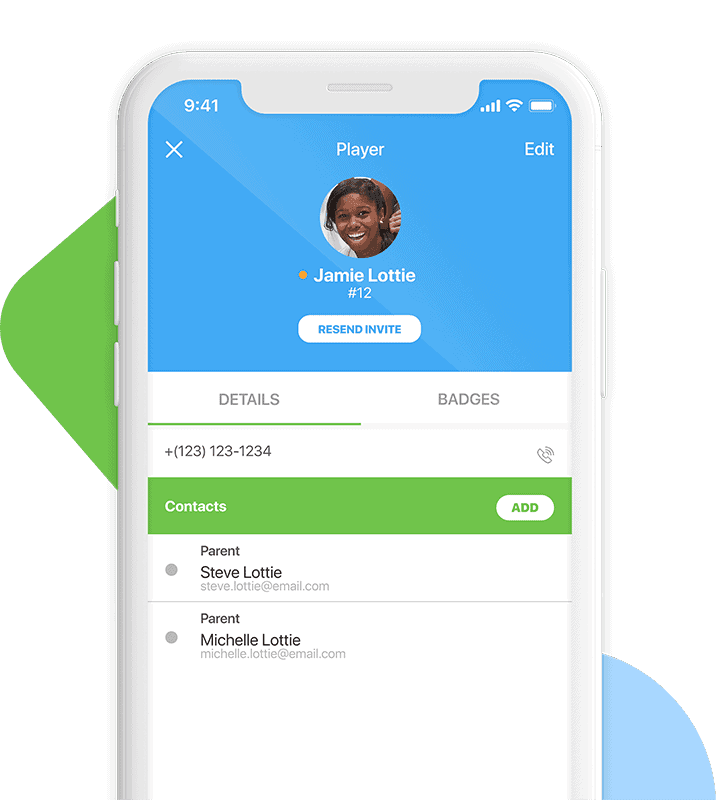
To Invite a Family Member:

From the App:

  1. Navigate to the Teams tab

  2. Click your Profile in the top right

  3. Click Manage Family

  4. You should be brought to app.teamlinkt.com and be able to begin managing your family

From the Web:

  1. Log in at app.teamlinkt.com

  2. Click your Profile in the bottom left and click My Family

  3. You can select members and make edits, view your registration invoices, memberships and more

To edit a family members info, like their birthdate, phone number, or address, you must have permission to edit family members. This permission will typically be a parent in the family who first created their account.

Full help article here

Make the switch today

Try it yourself or request a demo.

Automate your season

Sign up today or schedule a meeting with a member of our team.